The most recognizable platform isn't automatically the best virtual tour creator. A famous name may deliver excellent capture quality, yet still force a team into specialized hardware, complicated pricing, limited exports, or a weak lead-generation workflow. The better choice depends on how a business creates panoramas, edits scenes, publishes tours, measures engagement, and hands projects to clients.
That means comparing camera requirements, AI generation, 360° support, visual builders, hotspots, analytics, sharing, export options, integrations, pricing structure, and enterprise controls. The ten platforms below are evaluated across that complete workflow, not just the appearance of a demo tour. They include Matterport for recognized digital twins, Kuula and CloudPano for browser-based publishing, 3DVista and Pano2VR for ownership and deep customization, and specialized options such as Zillow 3D Home.
Virtual Tour Easy sits at the front of the list for teams that want AI-assisted production without specialized hardware. Its workflow can begin with text, ordinary photographs, or existing 360° imagery, then continue through visual editing, lead capture, analytics, and flexible distribution. Businesses comparing tour platforms alongside broader operational tools can also find the best tour operator software, but the central decision remains practical: which platform can support the entire tour business after the first scene is created?
Table of Contents
- 1. Virtual Tour Easy
- 2. Matterport
- 3. Kuula
- 4. 3DVista Virtual Tour Pro
- 5. Pano2VR
- 6. CloudPano
- 7. EyeSpy360
- 8. Metareal Stage
- 9. RICOH360 Tours
- 10. Zillow 3D Home
- Top 10 Virtual Tour Creators, Feature Comparison
- Choose the Workflow You Can Sustain
1. Virtual Tour Easy
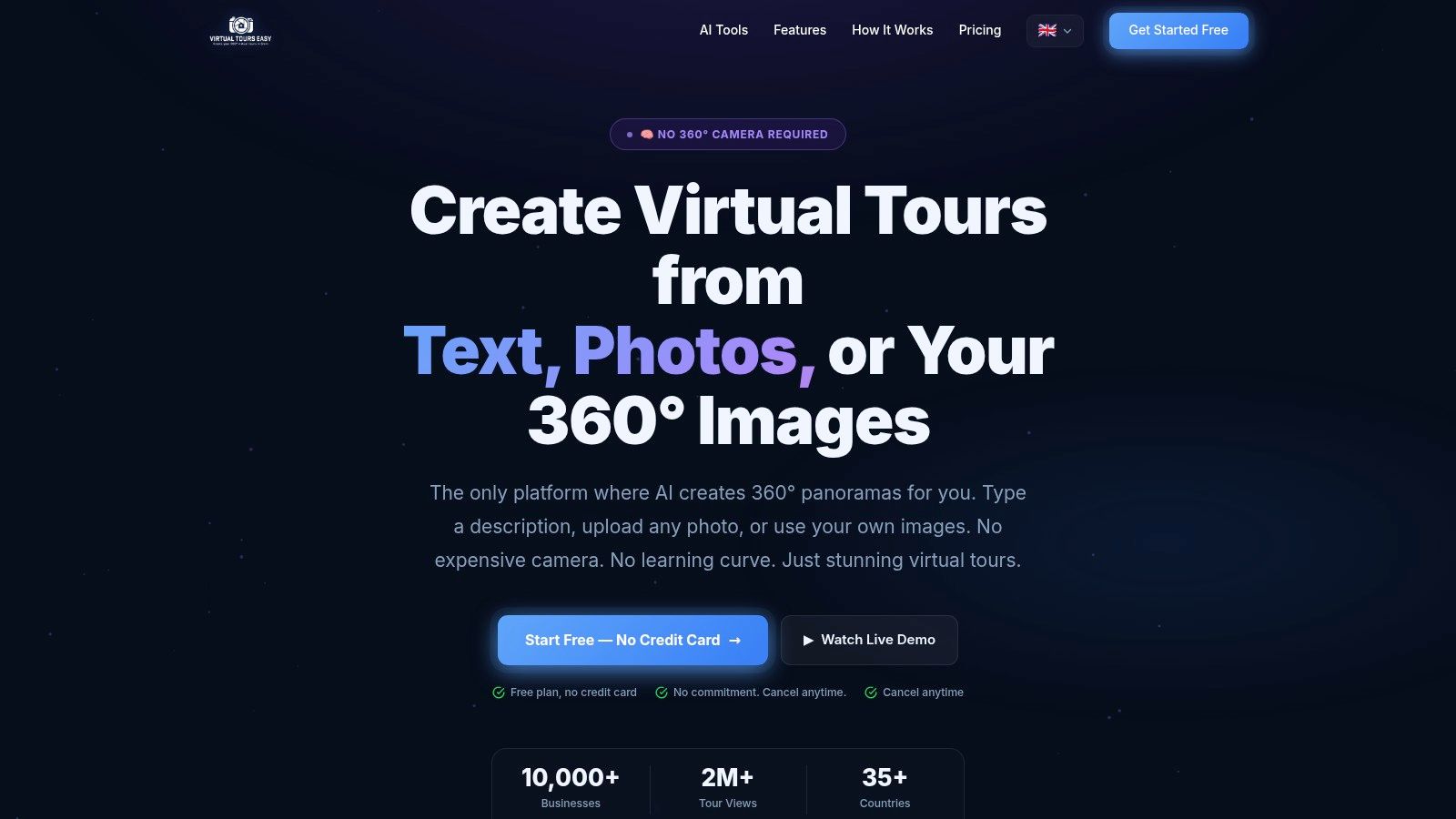
Virtual Tour Easy is the strongest fit for teams that want to produce immersive content without building the workflow around a dedicated 360° camera. The platform can generate panoramas from a text prompt, transform a regular photograph into a 360° scene, or accept existing 360° files. That gives real estate agents, hotels, restaurants, schools, architects, and agencies more than one starting point.
The visual drag-and-drop builder handles scene assembly, navigation hotspots, information panels, audio, AI narration, custom starting views, and cinematic video exports. A tour isn't finished when a panorama exists. Viewers still need context, clear navigation, a reason to inquire, and a way to access the experience from a website, social channel, short link, or Google Street View.
Why it stands out
Virtual Tour Easy treats the tour as a conversion asset rather than only a visual presentation. Built-in analytics cover views, visitors, device information, and geographic data. Lead capture forms, GA4, Google Tag Manager, and tracking-pixel integrations give teams a route from immersive viewing to measurable business activity.
The platform also supports text-to-360, photo-to-360, URL-to-tour, one-click Google Street View publishing, AI video generation, and a full REST API/MCP. Agencies and enterprises can use white-label branding, custom domains with auto-SSL, team roles, organization channel pages, and automation access.
A free plan provides 3 tours, 10 scenes per tour, 100 MB, and a Virtual Tour Easy watermark at $0 per month. Paid pricing starts at $19 per month, or $16 per month billed annually, for Solo; $59 per month, or $48 per month billed annually, for Professional; and $199 per month, or $160 per month billed annually, for Business. Enterprise capacity and onboarding are customized. These plan details are listed on the Virtual Tour Easy platform.
AI usage follows a credit model, where one AI operation uses one credit, and approximately 100 credits can produce about 50 AI-generated scenes. Professional and Business plans provide larger monthly allowances and top-up discounts, so high-volume teams should model credit consumption before standardizing the workflow.
Practical rule: Use AI to accelerate production, then review unusual layouts, property details, and specialized imagery manually.
AI-generated panoramas may need adjustment when spatial accuracy matters. Heavy production can also consume credits quickly, with advanced features and larger allowances reserved for paid tiers. Teams seeking a low-friction way to create a free 360 virtual tour will find a clear starting path, while agencies gain a route to branded, measurable, and automated delivery.
2. Matterport
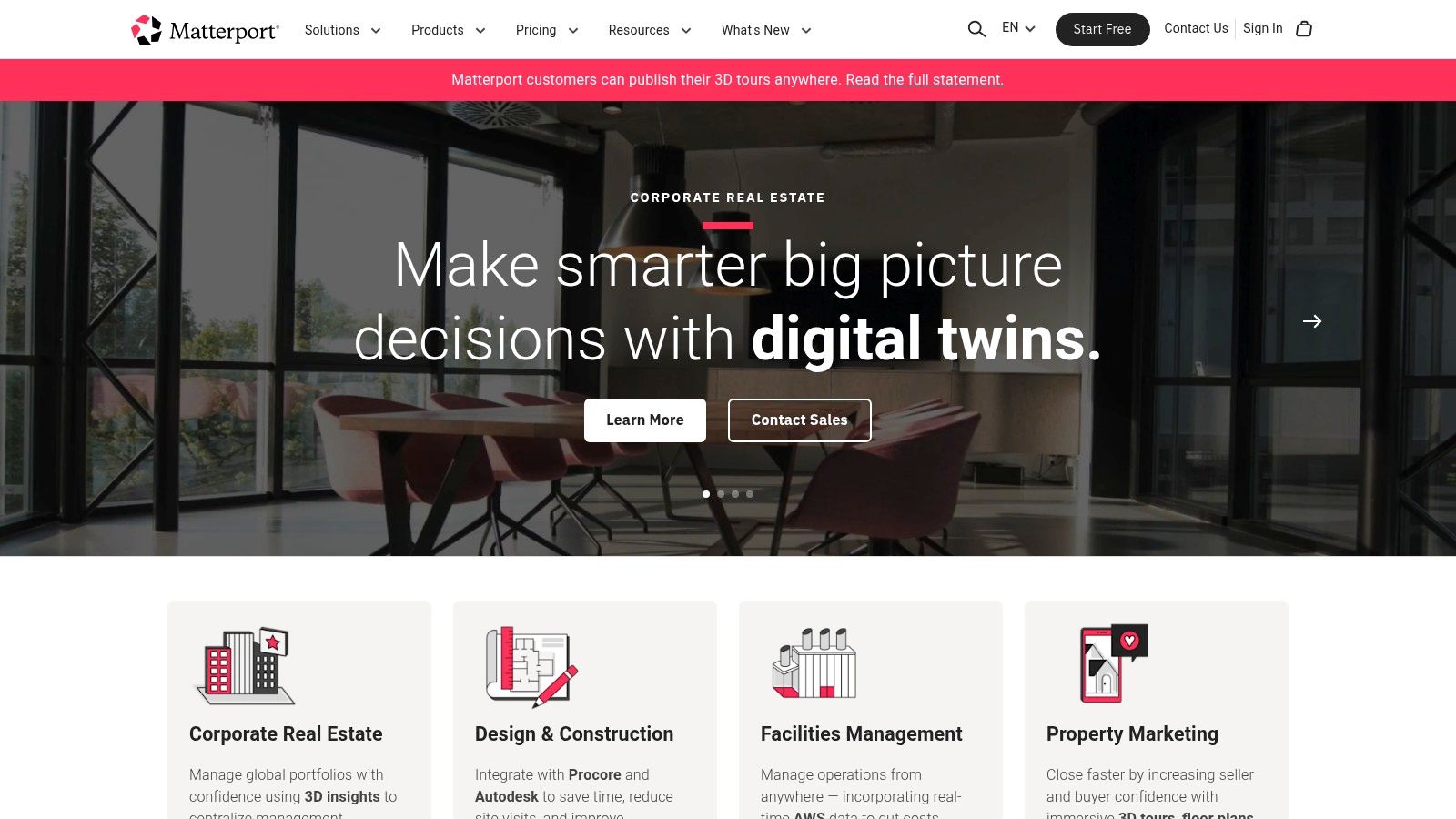
Matterport is the established choice for organizations that need recognized 3D digital twins, especially in real estate and architecture, engineering, and construction. Its capture workflow is designed around supported cameras and produces photorealistic walkthroughs, dollhouse views, schematic floor plans, and measurement tools.
That hardware-centered approach is also the platform's main boundary. Matterport makes sense when a client values spatial documentation, familiar presentation, and established portal distribution. It makes less sense for a team that wants to begin with ordinary photographs, text prompts, or a lightweight browser workflow.
Where Matterport earns its place
The platform supports publishing to Google Street View and major real-estate portals. AI enhancements such as defurnishing can help teams present spaces in different states, while schematic floor plans and measurements extend the deliverable beyond a guided visual tour.
Enterprise buyers also get a mature administrative foundation, including team plans, single sign-on, integrations, and broader delivery options. Matterport's capture-services network across many U.S. cities can help organizations that need local production rather than an entirely internal team.
The cost structure requires careful review. Pricing is tied to active spaces, and advanced exports such as MatterPak, CAD, BIM, and E57 files can be paid add-ons. Lower tiers may also restrict features that larger AEC or property portfolios expect. The platform's strongest advantage is therefore not simplicity. It's consistency, recognition, and a deep digital-twin workflow.
For teams comparing a hardware-led system with a more flexible virtual tour software workflow, the decisive question is whether the project requires Matterport's capture ecosystem and technical outputs. If the answer is yes, Matterport remains a logical shortlist candidate. If not, a creator with broader input formats and lower production overhead may deliver a better operating model.
3. Kuula
Kuula suits creators who already have 360° images and want to turn them into branded, browser-based tours quickly. Its editor supports hotspots, audio, custom icons, and scene-to-scene navigation without requiring the production team to learn a heavy desktop authoring suite.
The platform is useful for real estate, architecture, education, and other projects where the client needs a polished link or embed rather than a complete digital-twin data package. The browser-first workflow reduces friction for distributed teams, freelance photographers, and agencies that publish repeatedly.
Branding and delivery
Kuula's Pro and Business tiers provide stronger branding controls, while Business features include custom domains with SSL and analytics integration. SEO and optimization controls also help creators manage loading performance and the way a published experience appears on the web.
That commercial focus makes Kuula attractive to a small studio selling tours as a repeatable service. The platform doesn't need to dominate every stage of capture. It needs to help a creator upload reliable source material, add useful navigation, apply the client's identity, and deliver a stable experience.
The trade-off is depth. Kuula's enterprise workflow is more limited than desktop suites built for offline delivery, complex skins, or self-hosting. Advanced analytics sit behind the Business tier, and the free plan has capability limits. Teams should test a representative project on mobile before choosing it as a standard.
A good Kuula project depends on source imagery and information design. Hotspots should answer real viewer questions, audio should add context rather than noise, and the opening view should make the next action obvious. For teams that value fast publishing and brand control more than AI generation or technical exports, Kuula remains one of the cleanest lightweight choices. Additional guidance on free virtual tour software can help smaller teams compare entry-level workflows.
4. 3DVista Virtual Tour Pro
3DVista Virtual Tour Pro is built for creators who want deep control over the finished experience. It runs on Windows and macOS and supports 360° photos, 360° video, CAD assets, and rendered material. Instead of locking every project into a hosted environment, it lets agencies and institutions export tours for offline use or deployment on their own servers.
That makes it a strong choice for museums, training organizations, cultural institutions, and agencies with strict branding requirements. A project can include detailed skins, custom navigation, interactive storytelling, and branded applications. The tool is also suitable when the tour must continue working in environments with limited connectivity.
Ownership has a cost
The perpetual-license model is attractive to teams that dislike paying indefinitely for authoring access. Optional hosting, analytics, Live Guided Tours, and branded apps create a wider delivery system, but those services and real-time capabilities can require additional subscriptions or add-ons.
The learning curve is higher than a browser editor. Teams should budget for template design, internal training, testing across devices, and a clear publishing process. That investment pays off when a project needs more than room-to-room navigation.
3DVista's main advantage is control over the final package. Its main limitation is that control shifts more responsibility onto the production team. Creators must manage file exports, hosting decisions, updates, and quality assurance rather than relying on a platform to handle every operational layer.
For a business selling bespoke experiences, that can be exactly the right trade. For an agent who needs to publish a listing quickly, it may be unnecessary complexity.
5. Pano2VR
Pano2VR from Garden Gnome Software is a professional desktop authoring tool for converting panoramas into interactive tours. It appeals to agencies, photographers, museums, and other specialists that need customizable skins, offline export, self-hosting, and ownership of the final output.
The software supports multi-node tours, branding, and detailed interface editing. Its documentation and active development, including the Pano2VR 8 release, make it a serious option for production teams that prefer a desktop workflow over a hosted editor.
Best for controlled delivery
Pano2VR's strongest distinction is deployment flexibility. A creator can publish to the team's own server or content delivery network, which reduces dependence on a vendor's hosting environment and supports projects where offline delivery matters. A perpetual-license option and subscription model provide different ownership approaches, though buyers should inspect the current purchase flow because not all pricing details are displayed in the same way publicly.
AI-assisted patching tools can help clean panorama work, but Pano2VR still expects a capable operator. The interface offers more control than a lightweight cloud editor, and that control requires time to understand.
A self-hosted tour gives a team control over delivery, but it also gives that team responsibility for updates, security, backups, and performance.
Pano2VR fits professional workflows where a tour is part of a larger media or institutional archive. It isn't the obvious choice for a marketing team that wants AI-generated scenes, built-in lead forms, or a quick publishing ladder. Its value comes from independence and precision.
6. CloudPano
CloudPano focuses on straightforward cloud creation for real estate professionals, entrepreneurs, photographers, and agencies. The core workflow starts with 360° photographs, then adds navigation, branding, sharing, and optional interaction. The platform's simplicity makes it easier to turn tours into a repeatable client service.
Pro Plus includes white-label domains and unlimited published projects, which is important for agencies that don't want every delivery to carry a third-party identity. CloudPano also supports Google Street View publishing, MLS-oriented workflows, and in-tour CloudPano Live video chat.
A practical agency option
CloudPano works particularly well when the client wants a branded link, an embed, and a way to speak with a remote viewer inside the tour. Its clear tiering for individuals, teams, and vertical solutions such as automotive helps businesses choose a package around their sales model rather than around technical specifications alone.
Some advanced features and collaboration tools require higher tiers. Add-on charges may also appear depending on the workflow or vertical solution. Those costs aren't necessarily a problem, but agencies should calculate the complete client-delivery package instead of comparing only the entry price.
CloudPano's weakness is depth relative to desktop authoring tools. It isn't designed to replace every offline, self-hosted, or highly customized production environment. It is designed to help a business create and sell accessible 360° experiences without excessive setup.
For independent operators and small agencies, that trade-off is often sensible. A fast, branded tour with live communication can support lead qualification more directly than a technically richer experience that takes longer to publish and maintain.
7. EyeSpy360
EyeSpy360 uses a service-oriented cloud workflow that suits photographers and agents with variable project volume. Users submit 360° imagery, and the platform can automatically create virtual tours, 3D models, floor plans, and teaser videos. Hosting and archiving are included in the delivery model, reducing the amount of infrastructure a small operator needs to manage.
The platform also supports live remote viewings and video calls inside tours. That combination is useful for property professionals serving buyers who can't attend in person, particularly when the creator wants the tour and the conversation to happen in one place.
Pay by project when volume changes
EyeSpy360's pay-as-you-go and monthly options are its clearest commercial advantage. A photographer with inconsistent demand can avoid committing to a large always-on production stack, while a regular operator can select a recurring plan with hosting and archive support.
The limitation is authoring control. Automatic creation speeds up delivery, but it provides less granular control than 3DVista or Pano2VR. Free or included monthly tours can also have image-count limits, so source-heavy properties should be checked against the selected plan before upload.
EyeSpy360 is best evaluated as a delivery service rather than only an editor. The key question is whether automatic tour creation, live viewing, hosting, and archiving save enough operational effort to offset the reduced control. For a photographer who sells completed property media packages rather than custom interactive installations, the answer may be yes.
8. Metareal Stage
Metareal Stage takes a different approach from a standard panorama editor. It reconstructs a navigable 3D model and interactive floor plan from ordinary 360° panoramas, giving viewers more spatial context than a simple sequence of linked images.
The platform supports DIY reconstruction as well as a paid Built-For-You processing service. That split lets teams choose between hands-on production and outsourced processing, which can be valuable when project volume changes or internal staff have limited time.
Spatial understanding over visual effects
Metareal Stage is compelling for real estate and property documentation where layout comprehension matters more than decorative transitions. Interactive floor plans help viewers understand how rooms connect, while 3D model exports and Google Street View support extend distribution.
The workflow can require onboarding because reconstruction and floor-plan tools demand more spatial decisions than a simple hotspot editor. Certain CAD-level outputs and processing services may also involve add-ons or extra fees. Those limitations should be weighed against the value of a more structured spatial model.
Independent commentary on virtual tour software highlights recurring buyer concerns around visual accuracy, spatial understanding, and difficult navigation. That makes Metareal Stage relevant for teams selecting on trust and comprehension rather than visual polish alone. A tour that looks impressive but misrepresents the layout can weaken confidence.
Metareal Stage is therefore a strong candidate for a creator who already uses a 360° camera and wants reconstructed space, not merely linked panoramas. It is less suitable for text-first production or teams that need a broad marketing and lead-capture layer without additional workflow design.
9. RICOH360 Tours
RICOH360 Tours provides a fast cloud route from capture to published property tour, especially for teams using RICOH THETA cameras. The platform offers unlimited active tours and storage on paid plans, AI image enhancement, floor-plan generation, AI virtual staging, and password-protected tours.
That camera-to-cloud alignment is the product's central strength. A real-estate team using compatible RICOH equipment can keep capture and publishing within a connected workflow rather than moving files among several applications.
Strong for THETA-centered teams
RICOH360 Tours is easier to justify when a brokerage or photographer has standardized on THETA devices. Business plans add automation and team features, supporting a more coordinated production process for multiple agents or properties.
The platform is less compelling for a mixed-camera operation that needs broad capture flexibility. Advanced analytics and integrations are lighter than those found in some professional suites, so marketing teams should confirm whether the available reporting can answer questions about viewer engagement and lead activity.
AI virtual staging can help present alternative furnishing concepts, but teams should keep the difference between staged presentation and existing conditions clear. Property viewers need accurate information, and any transformation should be labeled appropriately in the surrounding experience.
RICOH360 Tours is a focused choice. It prioritizes speed, standardization, and a smooth capture-to-publish experience over the deep self-hosting control of Pano2VR or the input flexibility of an AI-first platform.
10. Zillow 3D Home
Zillow 3D Home is the most targeted option on this list. It is designed for U.S. real-estate listings that need a 3D Home tour and floor plan attached directly to a Zillow listing detail page. Capture can happen through the iOS app or supported 360° cameras, and standard listing inclusion doesn't add per-home tour hosting or service fees.
That direct connection to Zillow is the product's biggest advantage. An agent who mainly wants a frictionless listing enhancement can publish where prospective buyers already browse, without creating a separate branded hosting operation.
The platform is intentionally limited compared with standalone creators. Custom visual design, white-label branding, advanced lead capture, and broader distribution aren't its priorities. A brokerage that wants its own tour library, domain, analytics stack, or multi-industry experience will likely need another platform alongside it.
The right narrow use case
Zillow 3D Home works best for volume-oriented listing support where portal exposure matters more than ownership of the client-facing experience. It can also serve as a low-friction supplement to professional photography, floor plans, or a richer branded tour.
The decision is straightforward. If the deliverable must live primarily on Zillow and MLS-related channels, Zillow 3D Home reduces publishing friction. If the tour needs to live on an independent website, support a hotel, showcase a campus, or collect branded inquiries, a standalone creator is the better foundation.
Top 10 Virtual Tour Creators, Feature Comparison
| Product | Core features | UX & Quality | Price & Value | Target audience & USP |
|---|---|---|---|---|
| Virtual Tour Easy 🏆 | AI text→360 / photo→360 / import 360s; drag‑drop builder; hotspots, audio, cinematic video | ★★★★★ Fast, web-based, low learning curve | 💰 Free → Solo $19/mo → Pro $59/mo → Business $199/mo; AI credit model | 👥 Real estate, agencies, hospitality, architects; ✨ AI panorama gen, one‑click Street View, white‑label & full API |
| Matterport | Photorealistic 3D twins, measurements, schematic floor plans, portal publishing | ★★★★★ Industry standard; high fidelity | 💰 Subscription per active space; extra fees for exports | 👥 Real estate & AEC enterprises; ✨ Dollhouse views, CAD/BIM exports |
| Kuula | Browser editor with hotspots, audio, SEO/export controls | ★★★★☆ Easy, fast publishing | 💰 Free → Pro/Business (branding & analytics on paid) | 👥 Realtors, architects, educators; ✨ Simple editor + quick SEO optimization |
| 3DVista Virtual Tour Pro | Desktop authoring, offline export, Live Guided Tours, deep skin/editor customization | ★★★★☆ Very powerful; steeper learning curve | 💰 Perpetual license + optional hosting/subscriptions | 👥 Agencies, museums, training orgs; ✨ Full ownership, offline & app deployment |
| Pano2VR (Garden Gnome) | Desktop panorama → interactive tour; deep skin editor; offline export | ★★★★☆ Professional control; technical depth | 💰 Perpetual or subscription (Pano2VR 8) | 👥 Pro agencies & freelancers; ✨ Total output control, no hosting lock‑in |
| CloudPano | Cloud tours from 360s, white‑label domains, live in‑tour video chat, Street View | ★★★★☆ Fast workflow; transparent | 💰 Tiered plans; Pro Plus = unlimited published projects & white‑label | 👥 Real estate pros & entrepreneurs; ✨ In‑tour live chat & clear pricing tiers |
| EyeSpy360 | Auto-create tours, 3D models, floor plans; live remote viewings; hosting & archive | ★★★★☆ Flexible PAYG or monthly | 💰 PAYG or monthly plans; hosting/archiving included | 👥 Photographers & agents with variable volume; ✨ Per‑job economics + live viewings |
| Metareal Stage | 3D reconstruction and interactive floorplans from 360 panoramas; exports | ★★★★☆ Cost-effective scaling; some onboarding | 💰 Low-cost subs; Built‑For‑You paid processing option | 👥 Teams & DIY builders; ✨ True‑3D recon + optional full‑service processing |
| RICOH360 Tours | Unlimited active tours (paid), AI image enhancement, floor plan gen, virtual staging | ★★★★☆ Smooth capture-to-publish, best with THETA | 💰 Paid plans (unlimited on paid tiers) | 👥 RICOH THETA users & real estate teams; ✨ THETA integration + AI staging |
| Zillow 3D Home | Capture via iOS / supported 360s; publish directly to Zillow listings | ★★★☆☆ Simple & frictionless for listings | 💰 Free for Zillow listing inclusion (US) | 👥 U.S. realtors & MLS listers; ✨ Direct Zillow exposure, no hosting fees for listings |
Choose the Workflow You Can Sustain
The strongest platform depends on the production model behind the tour. A real-estate agent publishing occasional listings has different needs from an agency producing branded tours for many clients. A museum may prioritize offline ownership, while a hotel marketing team may care more about embeds, analytics, multilingual narration, and lead capture.
The broader category is moving into a substantial digital engagement market. Grand View Research estimates the global virtual tour market at USD 11.06 billion in 2024, with a projection of USD 74.36 billion by 2030 and a 34.3% compound annual growth rate from 2025 to 2030. The same market source projects USD 17.05 billion in 2025, showing why virtual tour creation tools are expanding beyond niche use cases into real estate, hospitality, education, and retail. These are projections, not guarantees for any individual vendor, but they show why workflow architecture matters before a business commits to a platform. Grand View Research's virtual tour market analysis provides the market context.
Software demand is also becoming more cloud-oriented. Independent analysis places cloud-based solutions at approximately 65.6% of deployment share in 2025, with the market projected to reach USD 1,509.6 million by 2034 at a 12.48% CAGR. That supports a practical buying preference for browser access, fast publishing, embeds, multi-device delivery, and collaborative administration. IMARC's virtual tour software market analysis outlines that deployment trend.
Match the platform to the priority
- AI-assisted creation: Virtual Tour Easy is the clearest fit for teams starting from text, regular photos, existing 360° files, or a property URL.
- Recognized digital twins: Matterport fits real estate and AEC buyers who value photorealistic capture, measurements, floor plans, and established portal workflows.
- Fast browser publishing: Kuula and CloudPano suit creators who need branded links, embeds, hotspots, and straightforward client delivery.
- Offline ownership: 3DVista Virtual Tour Pro and Pano2VR are better for agencies, museums, training organizations, and institutions that need self-hosting or offline export.
- Variable project volume: EyeSpy360's pay-as-you-go model suits photographers who don't want every job tied to a large recurring commitment.
- Reconstructed spatial models: Metareal Stage makes sense when interactive floor plans and navigable 3D reconstruction matter more than a simple panorama sequence.
- Camera-centered production: RICOH360 Tours is a natural fit for teams standardized on RICOH THETA devices.
- Zillow-focused listings: Zillow 3D Home is the narrowest but most direct choice for U.S. agents whose main destination is Zillow.
Real estate teams should treat virtual tours as decision-support assets, not decorative extras. A secondary industry compilation reports that listings with virtual home tours receive 87% more views, homes sold with virtual tours sell for 9% more on average, and those homes close 31% faster than homes without them. The same compilation says potential buyers spend 5 to 10 times longer on websites with virtual tours, while 54% of buyers won't consider seeing a home without one. Because the figures come from a secondary industry summary, they should guide evaluation rather than serve as a universal forecast. The commercial implication remains clear: capture quality, speed to publication, and lead qualification can influence the value of the entire listing workflow. PhotoUp's real-estate virtual tour statistics contains the cited compilation.
A practical starting path for Virtual Tour Easy
Virtual Tour Easy is the most suitable choice when a team wants AI-assisted production, visual editing, conversion tracking, flexible sharing, and agency or enterprise controls in one web-based workflow. The platform's free plan lets a team test the process before scaling to paid storage, AI credits, and advanced capabilities.
A sensible first project follows a narrow sequence:
- Start with the Free plan: Create an account and use a representative property, venue, classroom, restaurant, or design project.
- Prepare the source material: Generate scenes from text or ordinary photographs, or upload existing 360° imagery.
- Assemble the experience: Arrange scenes in the visual builder, then add hotspots, information panels, audio, AI narration, and a custom start view.
- Add conversion points: Place a lead capture form and connect GA4, GTM, or tracking pixels where the marketing workflow requires them.
- Publish broadly: Share through a short link, embed the tour on a website, publish to Google Street View, or export a cinematic video walkthrough.
- Review the analytics: Check views, visitors, device data, and geographic information before choosing a paid tier or increasing AI credit usage.
The best virtual tour creator isn't the platform with the longest feature list. It's the one a team can operate consistently, explain to clients, measure after publication, and scale without undermining accuracy or trust. Virtual Tour Easy is the broadest fit for AI-led, marketing-oriented production. Matterport remains powerful for digital twins, desktop tools remain valuable for ownership, and focused platforms remain sensible when one distribution channel or camera ecosystem defines the job.
Virtual Tour Easy creates publish-ready 360° tours from text, regular photos, or existing panoramas, then adds visual editing, hotspots, AI narration, lead capture, analytics, embeds, Google Street View publishing, and agency controls. Teams comparing the best virtual tour creator options can visit Virtual Tour Easy to start with the Free plan and test a complete capture-to-conversion workflow without specialized hardware.