A buyer drives across town to a model home, walks through the rooms for twenty minutes, and leaves without a decision. The sales consultant still doesn't know whether the buyer needs a different layout, expects upgraded finishes within the base price, or plans to build outside the service area. The visit happened before the qualifying conversation.
Virtual tour display homes should reverse that sequence. Buyers should arrive knowing which floor plan interests them, which finishes cost extra, and what they need to confirm in person. The tour should help a consultant start a useful conversation, not just record another anonymous view.
The opportunity extends beyond casual browsing. In its August 2024 REALTORS® Confidence Index, the National Association of REALTORS® reported that 8% of buyers purchased without physically seeing the property first, relying only on a virtual tour, showing, or open house. That measure includes more than self-guided tours, but it establishes that remote presentation can support serious purchase decisions.
The decisive distinction between platforms is straightforward: can the tool represent an unbuilt home, or must a completed space exist first? After that comes lead qualification. Attractive rooms aren't enough without accurate inclusions, useful navigation, and a clear next step.
Table of Contents
- 1. Virtual Tour Easy
- 2. Focus 360
- 3. Matterport
- 4. Zillow 3D Home
- 5. CloudPano
- 6. Kuula
- 7. EyeSpy360
- How the seven virtual tour options compare for display-home marketing
- Turn Your Virtual Tour Into a Sales Step, Not Just a Showcase
1. Virtual Tour Easy
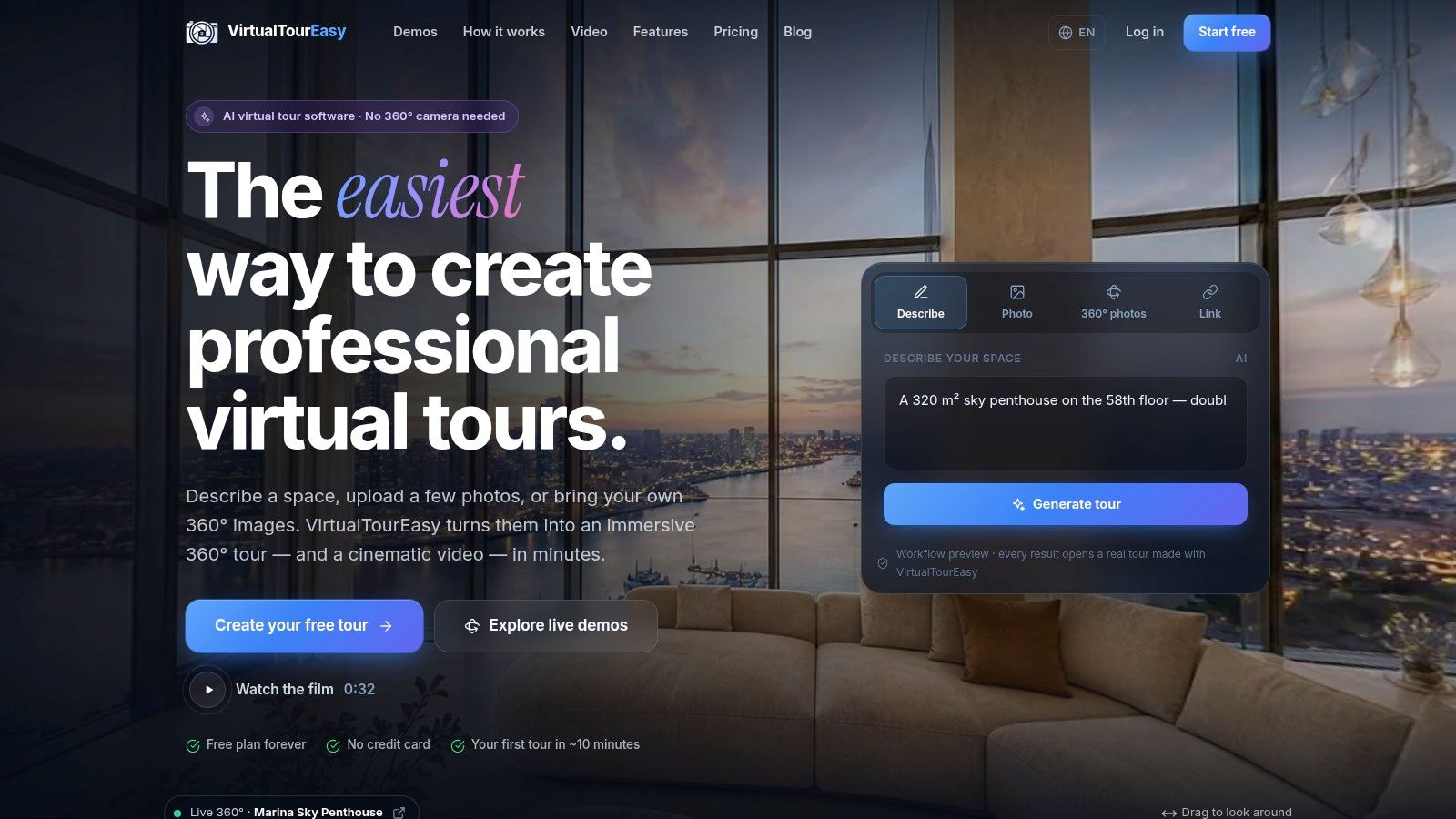
Virtual Tour Easy suits teams that need flexible scene creation and a direct path from viewing to enquiry. It supports text-generated panoramas, ordinary-photo expansion, imported panoramic images, and property-link creation. Its visual builder connects scenes with navigation hotspots, information panels, audio, and custom starting views.
That flexibility matters when a builder has mixed assets: architectural imagery for a proposed design, photographs of a completed kitchen, and panoramic captures of an existing display home. Those assets can support a presentation, but they shouldn't be presented as equally authoritative. An AI-generated scene is an illustration, not proof of architectural accuracy.
Build Around Buyer Questions
For an unbuilt home, the approved floor plan should remain the reference. Generated or expanded scenes need review against that plan before publication, particularly around window positions, doorways, ceiling heights, and room connections. Any invented furniture or finishes should be labelled as illustrative.
A practical tour setup separates navigation from sales information:
- Staging: Keep furniture proportions believable and circulation routes visible. Avoid filling awkward corners with decorative objects that obscure usable space.
- Hotspots: Place movement markers at actual doorways. Use separate information points for inclusions, upgrade packages, and alternative layouts.
- Narration: Explain decisions a buyer can't infer from an image, such as whether the displayed island or cabinetry belongs to an upgrade package.
- Lead capture: Ask for the preferred design, intended build location, and purchasing timeframe, rather than collecting an email address alone.
A clear starting view should establish the room immediately. A close-up of a decorative feature may look attractive, but it delays orientation and hides the layout.
Where It Wins and Where It Needs Oversight
Built-in lead forms, visitor analytics, and tracking integrations make the platform relevant to a builder's own website. Sharing, embedding, branding controls, and team features also support agency workflows, although availability depends on the selected plan. Free access shouldn't be mistaken for unrestricted AI generation or advanced tracking.
Practical rule: An attractive generated room should never override an approved drawing.
The strongest use is a labelled, question-led presentation with a measurable enquiry path. The weak use is generating impressive interiors, connecting them loosely, and treating the result as a construction commitment. Before launch, the sales and design teams should approve both the imagery and every inclusion statement.
2. Focus 360
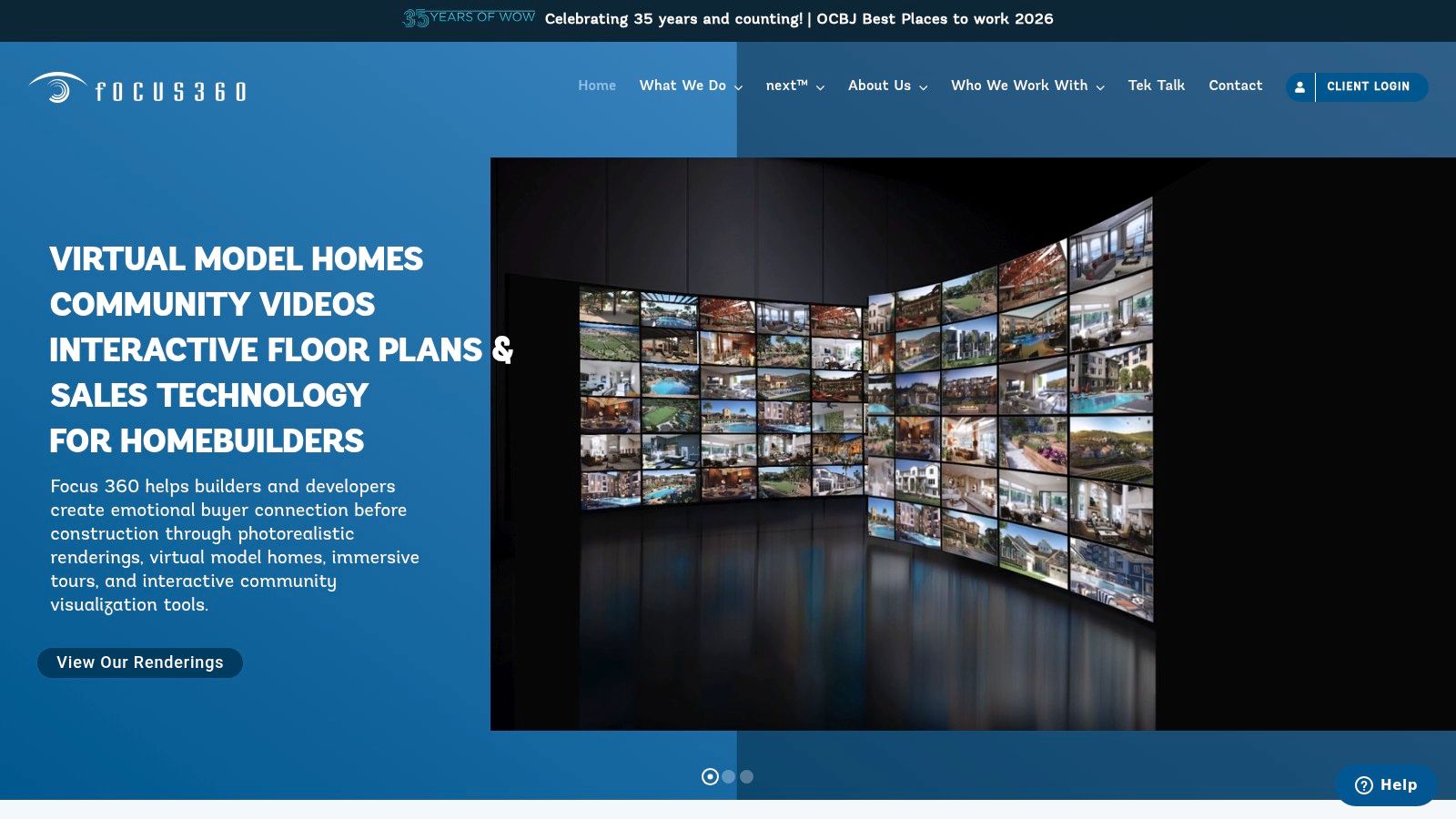
A builder selling a proposed house type needs more than a camera workflow. Focus 360 belongs on the shortlist when the home hasn't been built and the sales presentation needs architectural visualization, floor plans, community context, and a coordinated builder sales platform.
Its virtual model-home work can sit alongside renderings, interactive site plans, and the next™ sales platform. The trade-off is procurement: this is custom, quote-based work rather than a simple self-service upload. Builders should establish deliverables, revision allowances, asset ownership, and update responsibilities before commissioning production.
Specify a Sales Experience, Not Just Renderings
The brief should identify which decisions the buyer needs to make. A kitchen view might need selectable finishes; a living-room scene might need to explain the relationship between indoor and outdoor areas. The production team shouldn't have to guess which options matter commercially.
A useful precedent is the William Davis Homes case study from EyeSiteView, which describes preconstruction virtual showhomes with selectable kitchen and bathroom options and furniture visibility controls. Those capabilities illustrate what builders should specify when commissioning configurable visualization, rather than assuming every project includes them.
- Staging: Request furniture-on and furniture-off views where spatial judgement matters.
- Hotspots: Attach finish choices to the relevant surface or fixture, with clear standard-versus-upgrade labels.
- Narration: Explain layout choices and community relationships instead of reading room names aloud.
- Conversion: Request an enquiry handoff that preserves the selected house type and finish preferences.
Focus 360's advantage is builder-specific scope. Its limitation is the commitment required to commission and maintain that scope. A builder changing specifications frequently should agree on a revision workflow early, otherwise a polished presentation can become disconnected from the current sales offer.
3. Matterport
Matterport is strongest when the display home already exists. Its navigable digital twins, dollhouse-style views, measurement tools, and annotations help buyers inspect a particular completed space. It isn't a substitute for architectural visualization of a proposed home.
With Matterport, capture comes before presentation. A compatible capture workflow or service provider may be needed, while active-space allowances and portfolio requirements deserve attention before a builder commissions tours across multiple locations.
The staging job therefore happens on site. Remove temporary sales clutter, straighten furniture, open internal doors, and check mirrors and reflective surfaces before capture. A digital twin can preserve an untidy showroom just as faithfully as a well-prepared one.
Make the Captured Home Commercially Clear
Annotations should distinguish the model home from the buyer's eventual specification. Feature walls, upgraded appliances, decorative lighting, and landscaping need explicit descriptions wherever buyers might assume they're included.
- Navigation: Capture logical routes through circulation areas, not merely attractive viewpoints.
- Narration: Explain what transfers to the selected house package and what belongs only to the display.
- Qualification: Place the embedded tour beside a consultation form that identifies the model and development.
- Verification: Treat measurements as planning aids and direct contractual decisions back to approved documentation.
A captured display home shows what was present during capture. It doesn't establish what every buyer will receive.
A builder considering a Matterport alternative should compare the underlying production requirement first: accurate capture of an existing space versus flexible assembly of supplied or generated imagery.
Matterport works well for completed models, sales centres, and a portfolio of built homes. It works less well when the actual requirement is demonstrating a design that exists only on drawings. Choosing capture software for that task creates the wrong production dependency from the start.
4. Zillow 3D Home
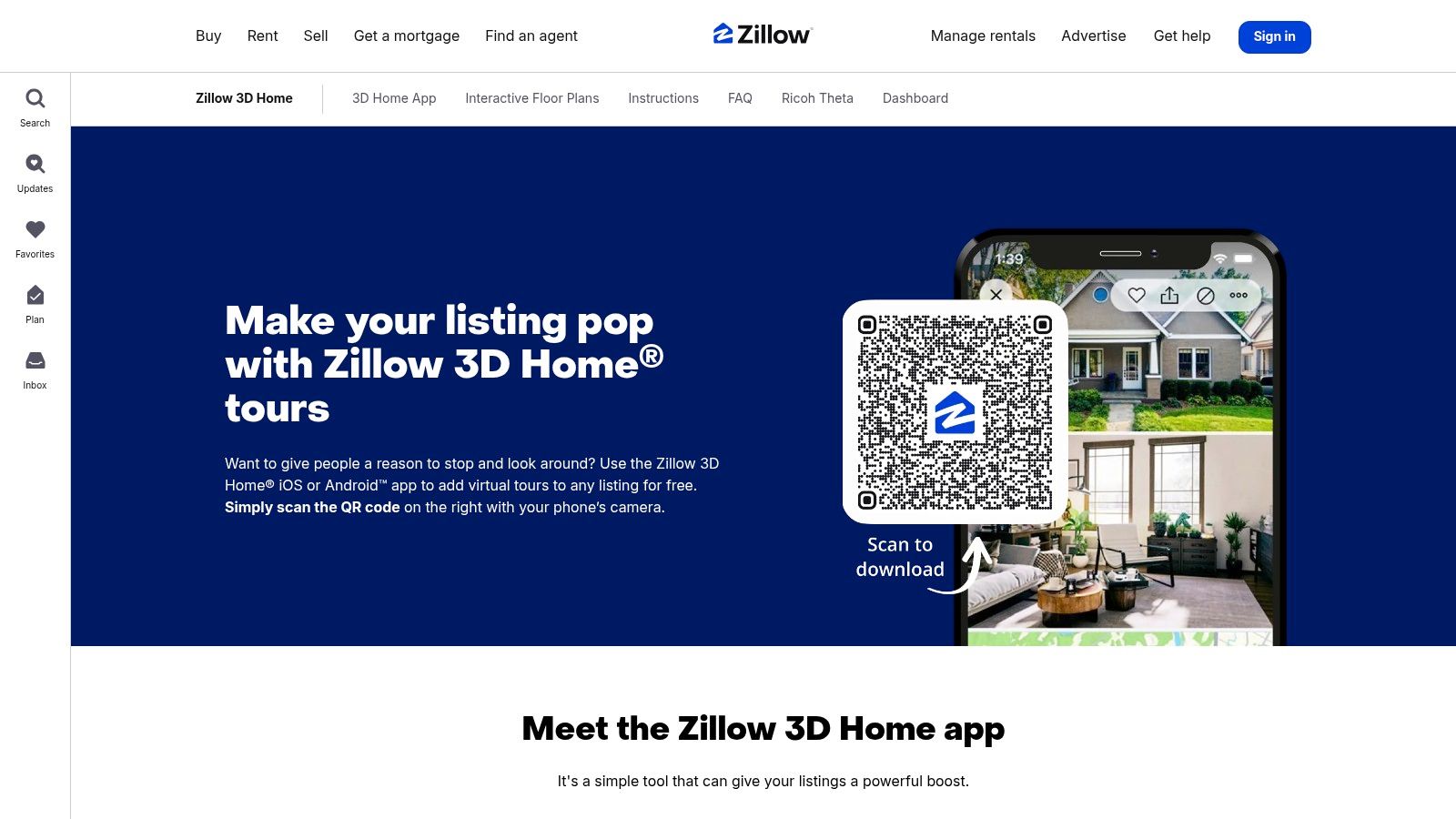
Distribution is the main reason to consider Zillow 3D Home. Its app-based capture and hosting connect completed-home tours with the listing environment where buyers are already comparing properties. Supported workflows include model and spec homes, including some models without their own Zillow address.
The case for showing layout is strong. In Zillow's 2024 Consumer Housing Trends Report, 70% of surveyed U.S. homebuyers said 3D tours would help them get a better feel for a property than static photos. That supports a layout-led presentation, not an assumption that every tour produces an enquiry.
Capture for Comparison
Zillow 3D Home suits an existing home, not an unbuilt design. Its platform-centred presentation also offers less branding freedom than a dedicated white-label experience, and feature availability depends on the listing and capture setup.
The most useful capture sequence lets a buyer understand the entrance, shared living areas, bedroom separation, and outdoor connection. Decorative close-ups belong in the photo gallery; the tour should explain how rooms connect.
- Staging: Keep doors open and furniture clear of circulation routes so the floor plan remains legible.
- Navigation: Prioritize connected room views and supported floor-plan functions rather than assuming a custom hotspot system.
- Narration: Put essential inclusion information in listing copy when the tour format doesn't support the desired commentary.
- Conversion: Give the sales team a consistent follow-up question about the layout or room that prompted the enquiry.
The tool's strength is practical listing distribution. Its weakness is limited control over the complete branded sales journey. Builders who need detailed finish selection, custom qualification forms, or preconstruction visualization should treat Zillow as a distribution channel alongside their own website, not as the whole sales system.
5. CloudPano
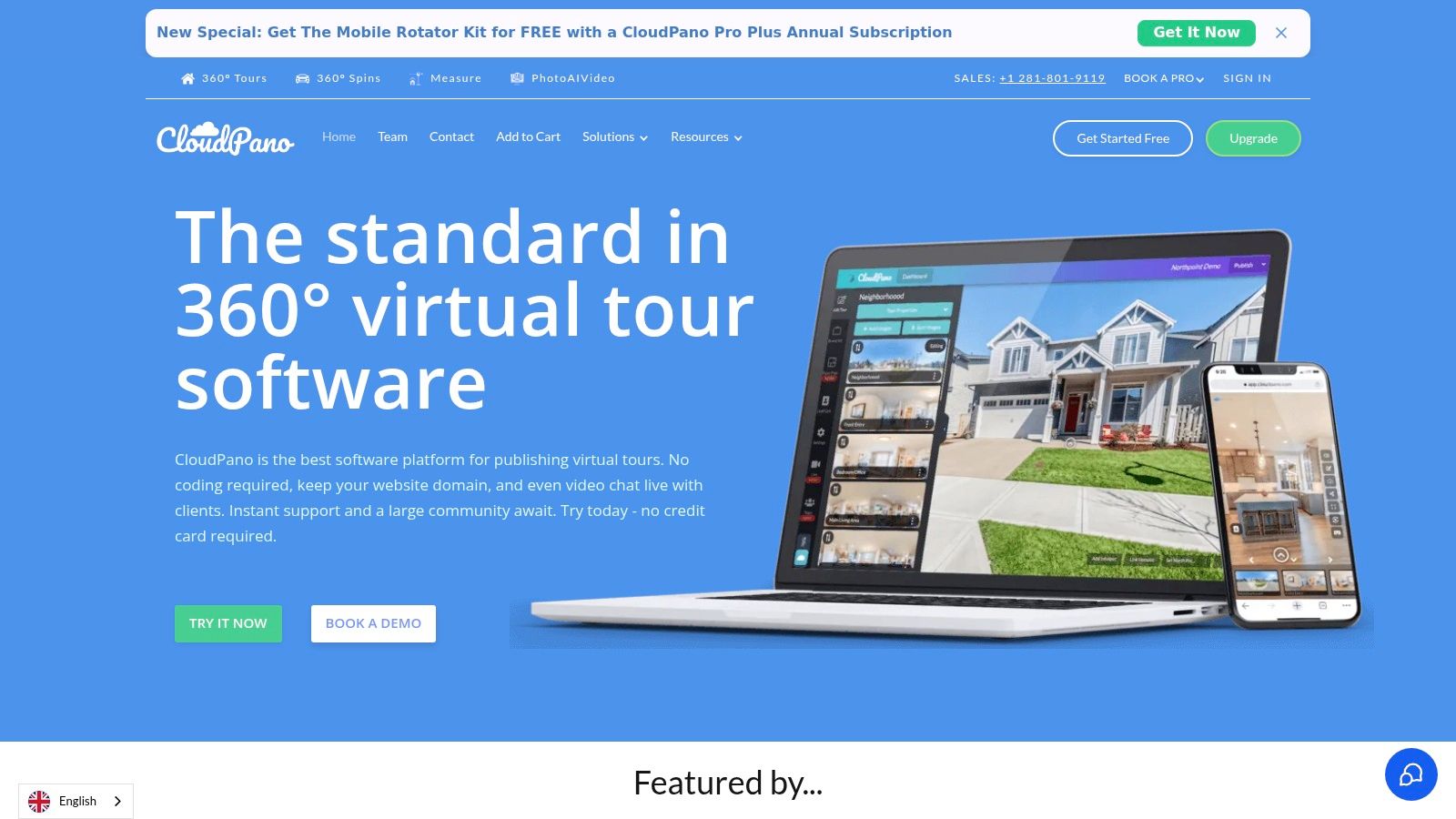
A builder with suitable panoramic photography and an established website may need an authoring platform rather than another listing destination. CloudPano fits that role, connecting panoramic scenes through browser-based editing, hotspots, and embedded tours.
The boundary is important: CloudPano assembles the presentation; it doesn't replace the production of accurate architectural imagery. A proposed-home project still needs suitable visual assets from elsewhere. For completed homes, the builder needs a capture process before editing begins.
Branding, white-label options, custom URLs, and live video functionality depend on the plan. The buying decision should follow the required workflow, especially whether the team needs self-guided viewing alone or a consultant-led conversation.
Keep the Tour Connected to the Enquiry
A branded embed should sit within a useful sales page containing the house name, available locations, inclusions, and an obvious next step. Sending visitors into a standalone tour with no surrounding context makes qualification harder.
Hotspots should answer specific questions. A marker beside a sliding door can explain the optional outdoor connection; a kitchen marker can identify an appliance package. Repeating brochure slogans inside every room adds clutter without improving understanding.
- Staging: Maintain consistent furniture and lighting between adjacent panoramic scenes.
- Narration: Use short, optional explanations rather than an uninterrupted promotional soundtrack.
- Lead capture: Keep an enquiry route visible around the embed and preserve the house type in the form submission.
- Guided viewing: Where the chosen plan supports it, use live video for buyers comparing layouts or requesting clarification.
CloudPano offers control over presentation, but the builder still owns the sales process. The team needs to test the embedded experience on phones, confirm where enquiries arrive, and establish who follows up. A branded tour without a reliable handoff remains a viewing tool rather than a qualification system.
6. Kuula
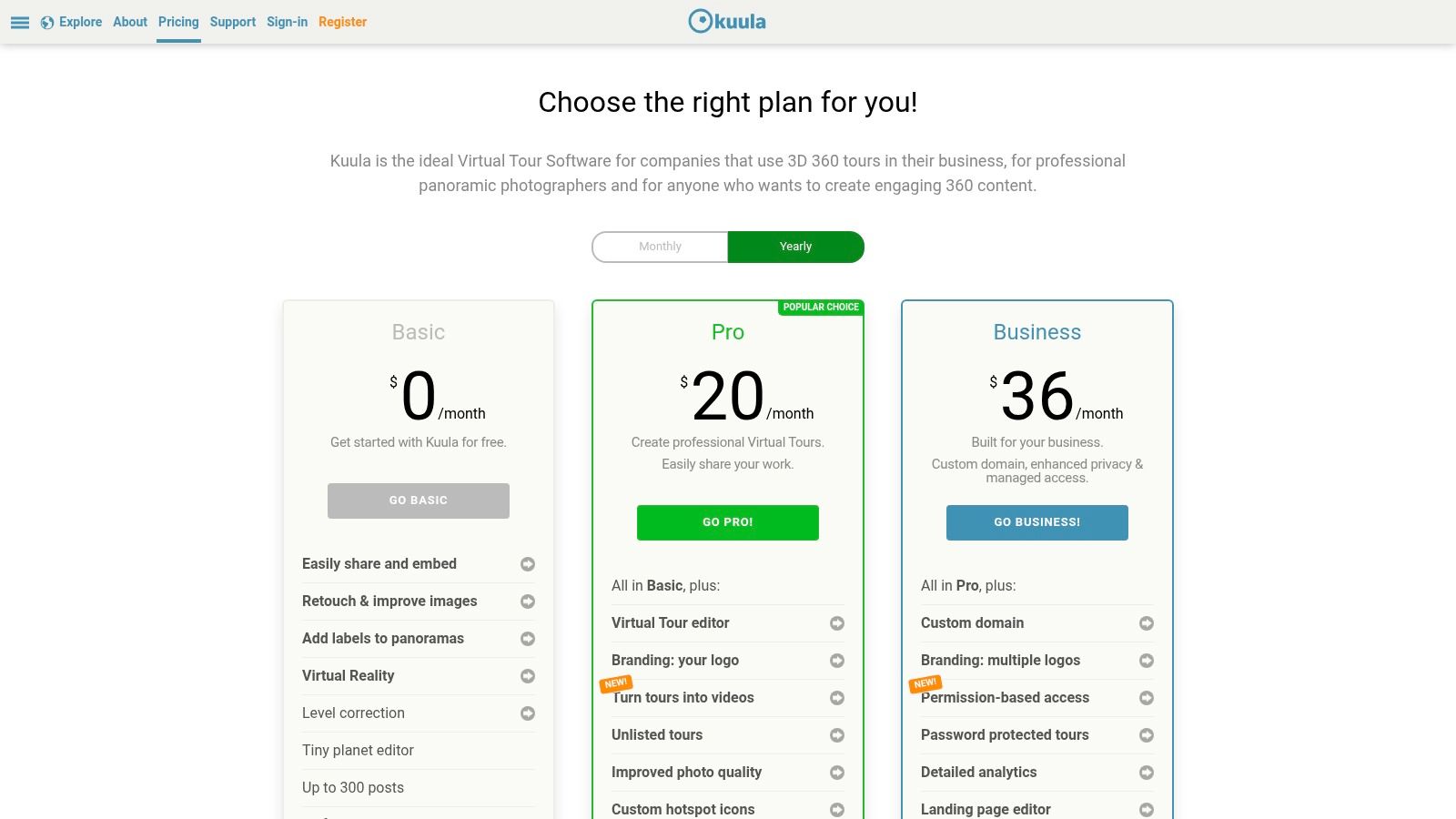
Kuula makes sense when panorama assets already exist and the priority is a clean, shareable presentation. Teams can connect scenes, publish links, and embed tours, with branding, audio, access controls, custom domains, and analytics options depending on the plan.
The Kuula plan comparison deserves attention before production, particularly when client permissions or branded publishing matter. The platform isn't a builder-specific specification system, and it doesn't supply the underlying architectural accuracy. Imported imagery needs to be ready for the intended use.
Start With Orientation, Then Add Detail
A tour can be visually polished and still be hard to move through. A sensible starting view should show enough of the room to establish its purpose and reveal the next route. The practical principles in this guide to viewing panoramic photos are relevant when reviewing how supplied images behave in an interactive viewer.
For staging, remove small visual distractions before capture rather than relying on information panels to compete with them. Position navigation hotspots consistently near actual openings, and keep descriptive hotspots distinct from movement controls.
- Audio: Explain a feature only when spoken context adds value, and provide the same essential information in text.
- Accessibility: Offer a static room-by-room alternative, readable descriptions, and a downloadable floor plan.
- Conversion: Place a model-specific enquiry form beside the embedded presentation and test the journey on an ordinary phone.
An immersive interface shouldn't be the only way to understand the home.
Kuula's flexibility suits straightforward tours and carefully branded presentations. Its limitation is that the team must supply the property content, buyer context, and qualification process. Before publication, someone unfamiliar with the project should test whether the room sequence makes sense without a consultant explaining it.
7. EyeSpy360

A remote buyer may need a consultant, not another self-guided interface. EyeSpy360 is relevant when existing-home tours need guided remote viewings, alongside deliverables such as floor plans, models, hosting, and property-marketing assets.
That distinction matters for new construction. In Zillow Group Population Science's 2024 Consumer Housing Trends Report, based on a survey of recent buyers, 67% of new-construction buyers said they'd feel confident making an offer after seeing the home only through a virtual tour. Confidence still needs informed guidance about the property and specification.
Run a Consultation Inside the Tour
EyeSpy360 works from supplied panoramic images and offers capture-related services. It doesn't replace a service that renders an unbuilt home, and buyers should check applicable regional terms and deliverables before choosing a payment arrangement.
A guided viewing should begin with the buyer's shortlist and unresolved questions. The consultant can then move directly to the relevant rooms rather than replaying a generic showroom presentation.
- Staging: Keep furniture arrangements consistent with the floor plan supplied to the buyer.
- Hotspots: Label upgrades and features that need clarification during the appointment.
- Narration: Ask about furniture fit, bedroom separation, storage, and accessibility rather than reciting marketing copy.
- Conversion: Finish with an agreed next step, such as a specification consultation or physical inspection.
The advantage is human clarification at the point of uncertainty. The limitation is staffing: guided sessions need scheduling, preparation, and follow-up. A consultant should record the selected design, unresolved concerns, and promised documents so the next conversation doesn't restart from scratch.
Self-guided viewing should remain available for initial browsing. Live viewing becomes most useful when the buyer has questions that imagery alone can't settle.
How the seven virtual tour options compare for display-home marketing
| Item | Best For | Works for Unbuilt Homes | Free Option | Pricing Model |
|---|---|---|---|---|
| Virtual Tour Easy | AI-assisted tours, marketing, and lead capture | Yes; can generate scenes from text | Yes; 3 tours, 10 scenes each, 100 MB storage | Paid plans from $19/month; annual billing available |
| Focus 360 | Builders needing model-home visualization and sales tools | Yes | No free option stated | Custom, quote-based projects |
| Matterport | Detailed 3D tours of completed homes | No; requires an existing space | No free option stated | Plans and active-space costs apply |
| Zillow 3D Home | Free tours distributed through Zillow listings | No; intended for existing spaces | Yes; free to use, publish, and host | Free |
| CloudPano | Self-service, embeddable 360° tours | No; requires panoramic images of existing spaces | No free option stated | Publicly priced plans; features vary by tier |
| Kuula | Sharing and branding panorama-based tours | No; requires panorama images | Yes; basic panorama sharing | Free and paid plans |
| EyeSpy360 | Real estate tours with related marketing services | No; focused on existing homes | No free option stated | Pay-as-you-go and monthly options |
Turn Your Virtual Tour Into a Sales Step, Not Just a Showcase
No single platform wins every display-home project. Focus 360 fits commissioned preconstruction visualization; Matterport fits detailed capture of completed spaces. Zillow 3D Home emphasizes listing distribution, CloudPano and Kuula support panorama-based publishing, EyeSpy360 adds guided viewing options, and Virtual Tour Easy combines flexible scene creation with lead-focused presentation tools.
The selection should follow the sales stage, not the longest feature list. An unbuilt home requires approved visual assets and clear illustration labels. A completed model requires disciplined capture, while every project needs accurate inclusions and a usable enquiry path.
Measure Buyer Progress, Not Just Views
The business case shouldn't depend on an assumed sale-price premium. A Harvard Business School analysis of approximately 75,000 home sales found no statistically significant increase in final sale prices after controlling for listing-photo and description quality. Builders should therefore measure whether the tour helps prospects assess fit and progress toward a useful appointment.
That means connecting engagement with the sales team's records:
- Relevant engagement: Identify the rooms, options, and information panels that attract attention where the platform supports that reporting.
- Qualified enquiries: Record the preferred design, build location, intended timing, and unresolved questions.
- Appointment quality: Check whether visitors arrive with clearer expectations about layouts and inclusions.
- Operational accuracy: Assign responsibility for updating imagery and descriptions when specifications change.
A tour also needs boundaries. Buyers should know whether a scene depicts a completed home, an architectural visualization, or an AI-generated illustration, and whether furniture and finishes are included. A virtual tour is a screening tool, not proof of property condition or contractual specification.
For teams formalizing remote appointments, a seller's guide to remote property viewings provides additional context for the viewing process. The builder's own procedure should still identify who answers technical questions, supplies current documentation, and arranges physical verification.
The practical starting point is a single model home and a defined buyer decision. The team can publish an accurate tour this week if suitable assets are ready, attach a specific consultation request, and review the resulting enquiries before expanding. Better-qualified conversations matter more than a larger collection of tours that nobody maintains.
Virtual Tour Easy offers AI-assisted scene creation, panoramic-image imports, interactive hotspots, and lead-capture tools for display-home presentations. Builders and agents can visit Virtual Tour Easy to assemble a model-home tour, label its inclusions, and connect remote viewing with a qualified sales enquiry.